Using the app
Account
Sign in with Apple, Google, or email — favorites, units, legal links.
The Account tab (or account slideover) is where you sign in, set units and appearance, and open Privacy / Terms / Cookies.
You can use the rest of the app without an account. Sign in if you want favorites on more than one device, or to subscribe to public email alerts.
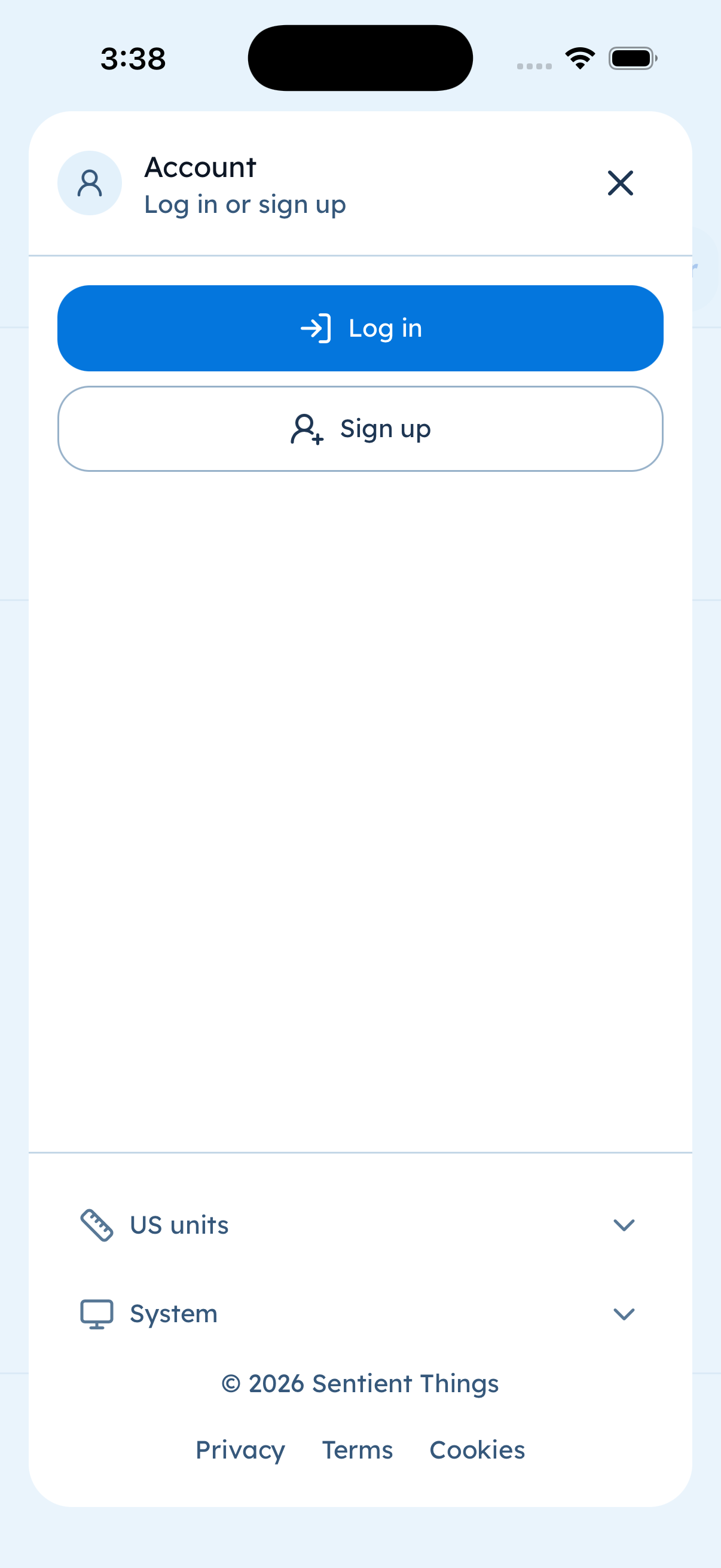
Account. Appearance includes Light / Dark / System. Legal links open the live policy pages on tidealerts.com.
Sign up and log in
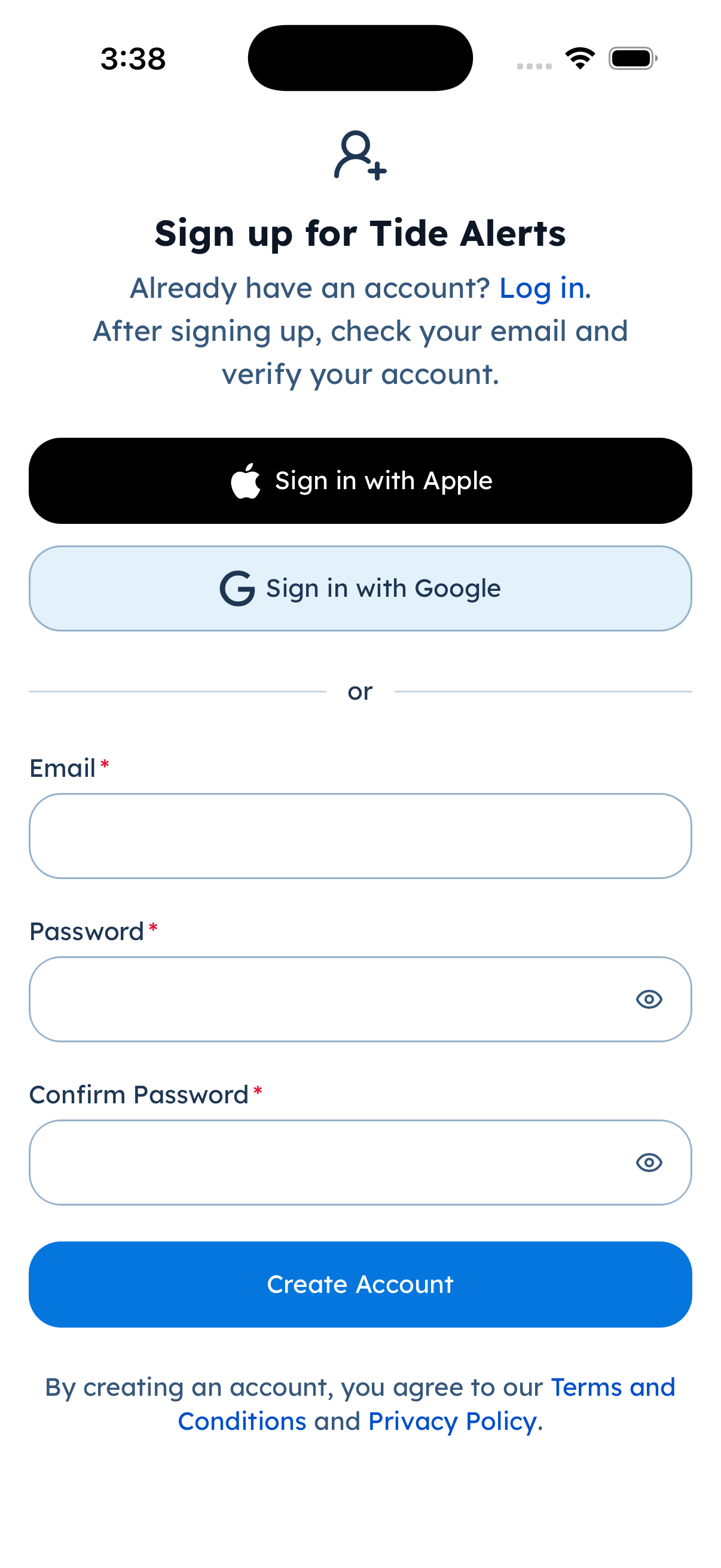
Sign up — Apple, Google, or email. We did not submit a test account in these screenshots.
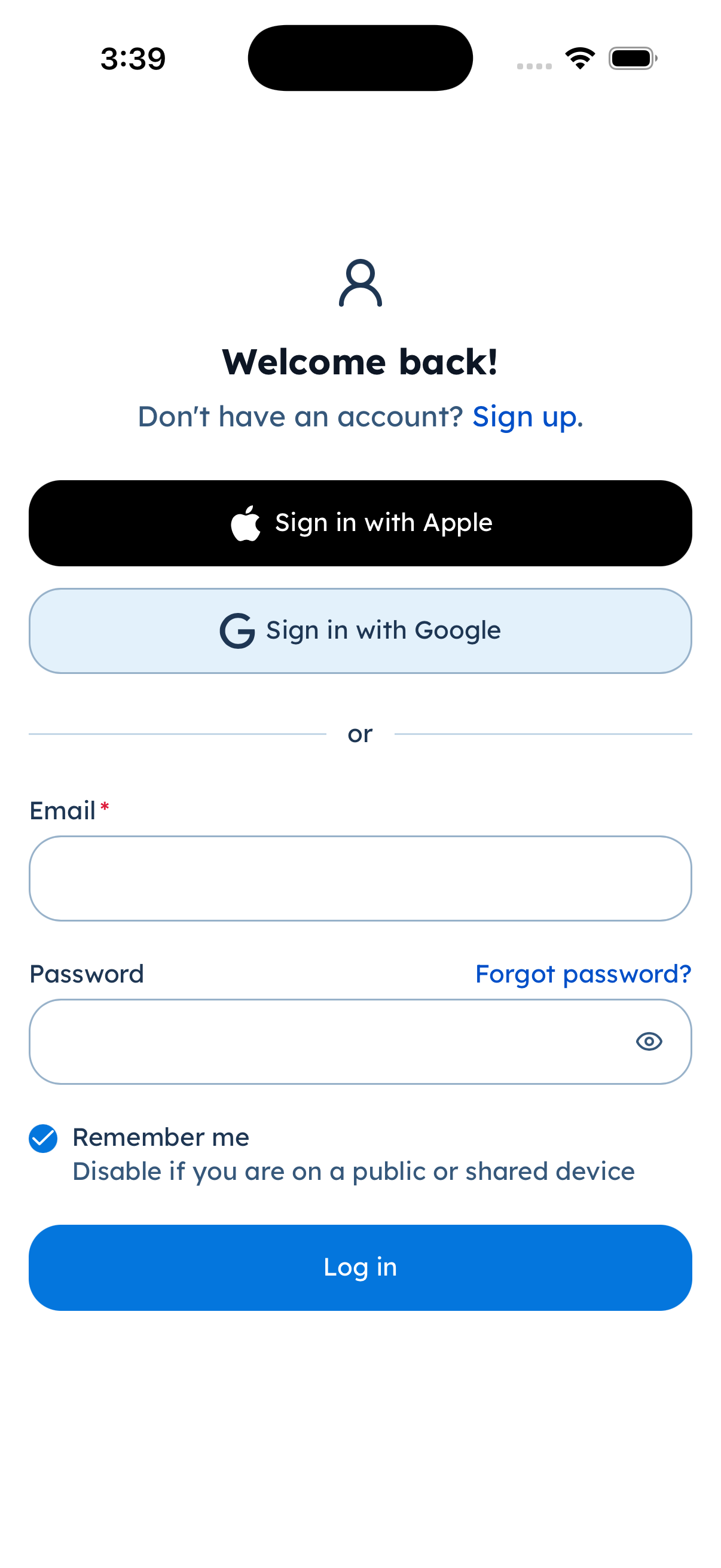
Log in — same providers.
Delete your account
Account tab → account settings → Delete account. Native apps re-check Apple or Google (or email) before deletion.
Location is optional and only used to center the map. There is no advertising ID in this app.