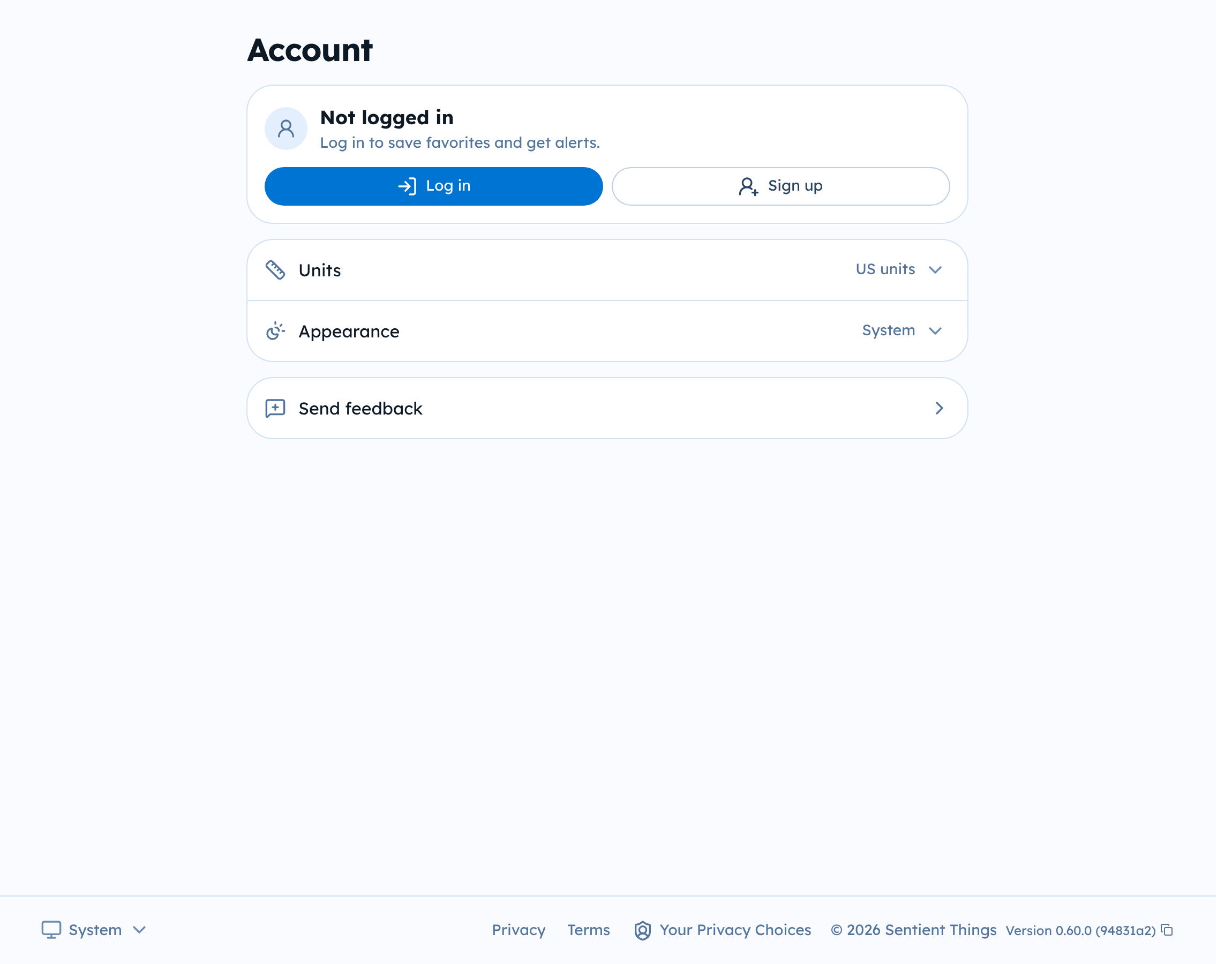
Account
Sign up and sign in
Create a Tide Alerts account with Apple, Google, or email to save favorites and subscribe to alerts, and change your settings.
You can look at every station without an account. An account lets you save favorites and subscribe to alerts.
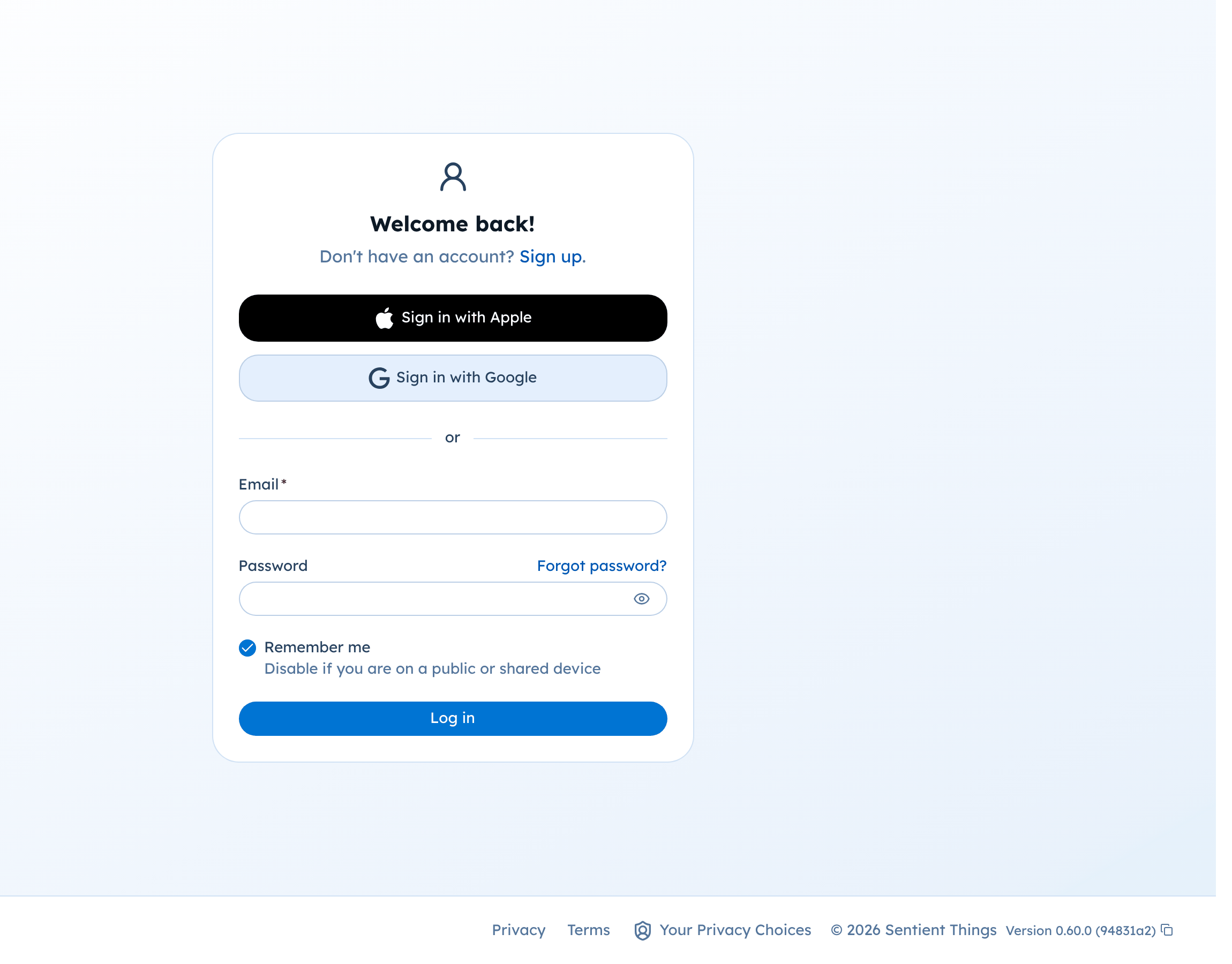
Create an account
- Select Log in at the bottom of the sidebar, then Sign up.
- Choose Sign in with Apple, Sign in with Google, or enter an email address and password.
- If you used email, open the verification email Tide Alerts sends you.
Sign in
Select Log in and use the same method you signed up with.
Turn off Remember me on a public or shared computer.
Forgot your password
On the sign-in page, select Forgot password? and enter your email address. Follow the link in the email to set a new password.
Ways to sign in
Your account can have more than one way to sign in. Open Account, then your account settings, to see Login Methods. There you can link Apple or Google, or set or change a password. At least one method must stay linked.
Settings
The Account page also has settings that work without signing in:
- Units: US or metric.
- Appearance: light, dark, or the same as your system.
- Send feedback: tell us about a problem or an idea.