Tide calendar
The Tide Calendar tab shows the station's predicted high and low tides as calendar events. Switch between Month, Week, and List. The banner at the top shows the next event.
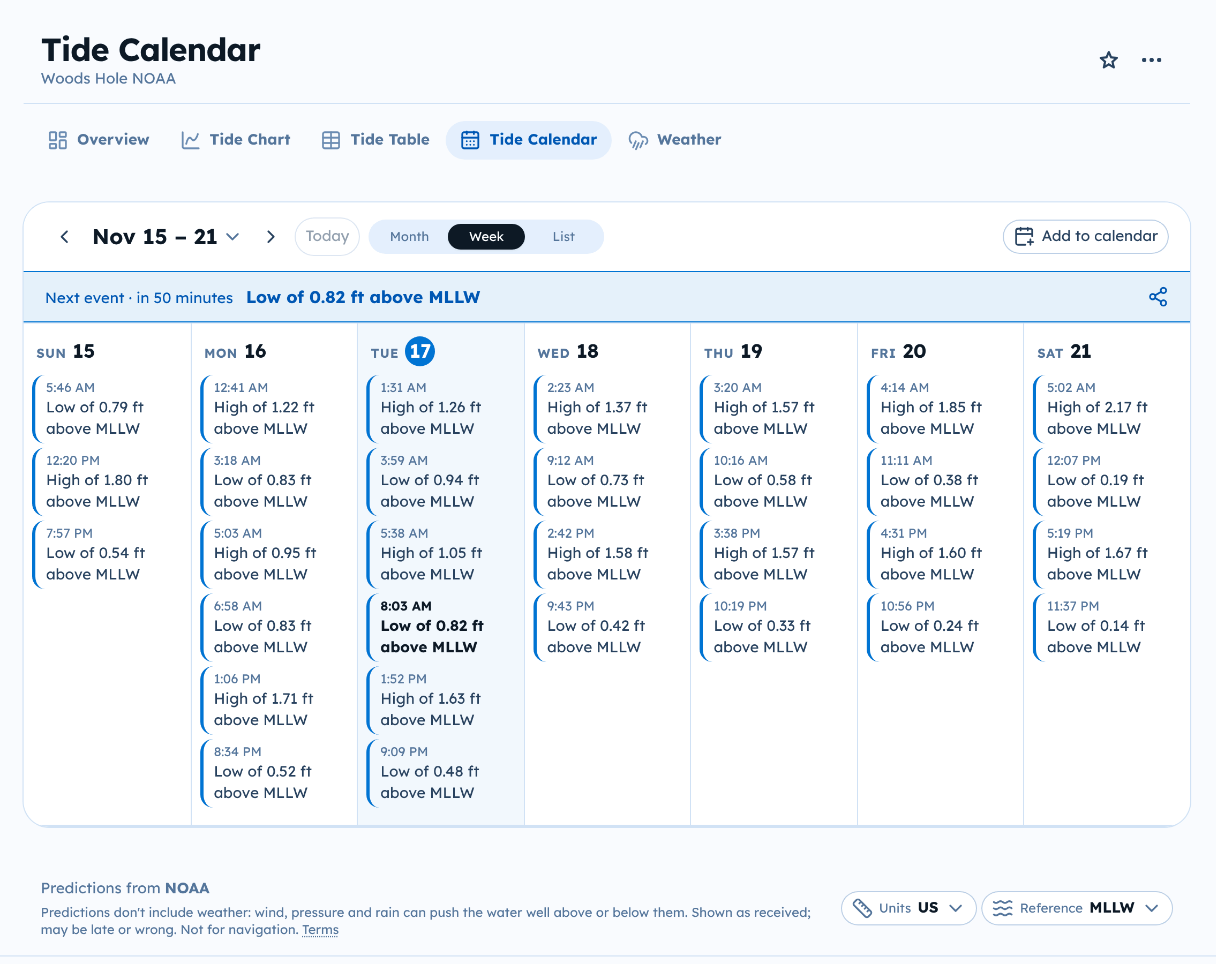
Shallow-low notices
Some stations also show notices. A notice marks a stretch of time when the predicted water level stays below, or above, a set level. For example, a shallow low reads "Warning! Shallow low of less than 0.50 ft or 0.15 m above MLLW."
- A notice has a start and an end time, not a single moment like a high or low tide.
- It has its own color and a warning sign, so it stands out from the daily highs and lows.
- The level in the text is relative to the datum it names.
Notices come from predictions, like the highs and lows. They are not alerts you set up. A calendar you subscribe to below gets the same notices as the page. Stations without a notice level show only highs and lows.
Add tide times to your calendar
You can subscribe your own calendar app to a station's tides. The events stay up to date on their own.
- Open the station's Tide Calendar.
- Select Add to calendar.
- Choose Apple Calendar, Google Calendar, Microsoft 365, Outlook.com, or Yahoo Calendar.
- Finish in your calendar app.
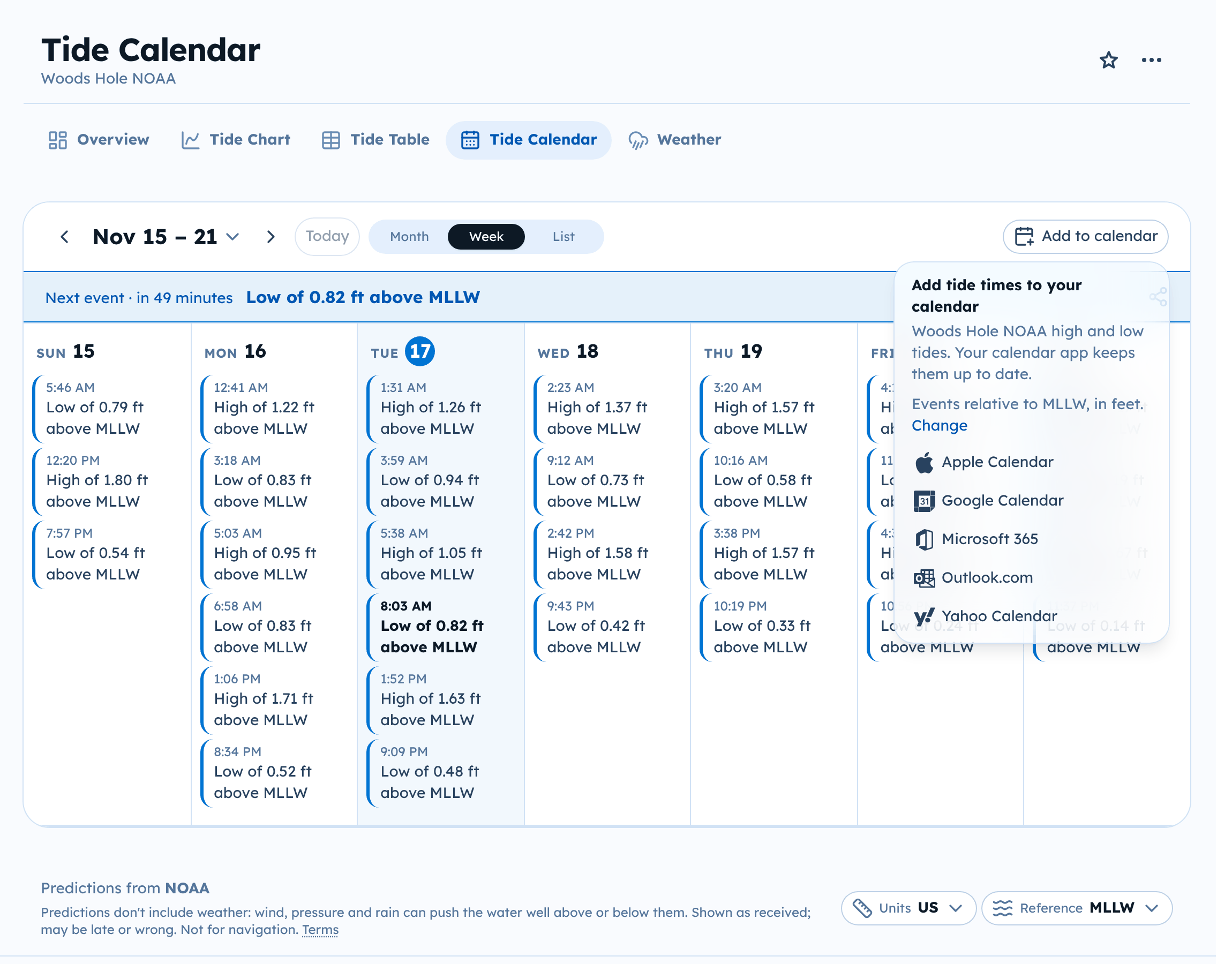
Event heights use the datum and units shown in the menu. Select Change there to pick others before you subscribe.
For Yahoo Calendar, Tide Alerts copies the calendar link and opens Yahoo, where you paste it.
The feed adds many events. If they crowd your calendar, hide the Tide Alerts calendar in your calendar app; it keeps updating in the background.